




To quickly locate bidders with outstanding balances or negative balances, go to menu and choose the option.
For instructions on processing invoices, recording payments, and issuing refunds at check-out, see Managing Payments.
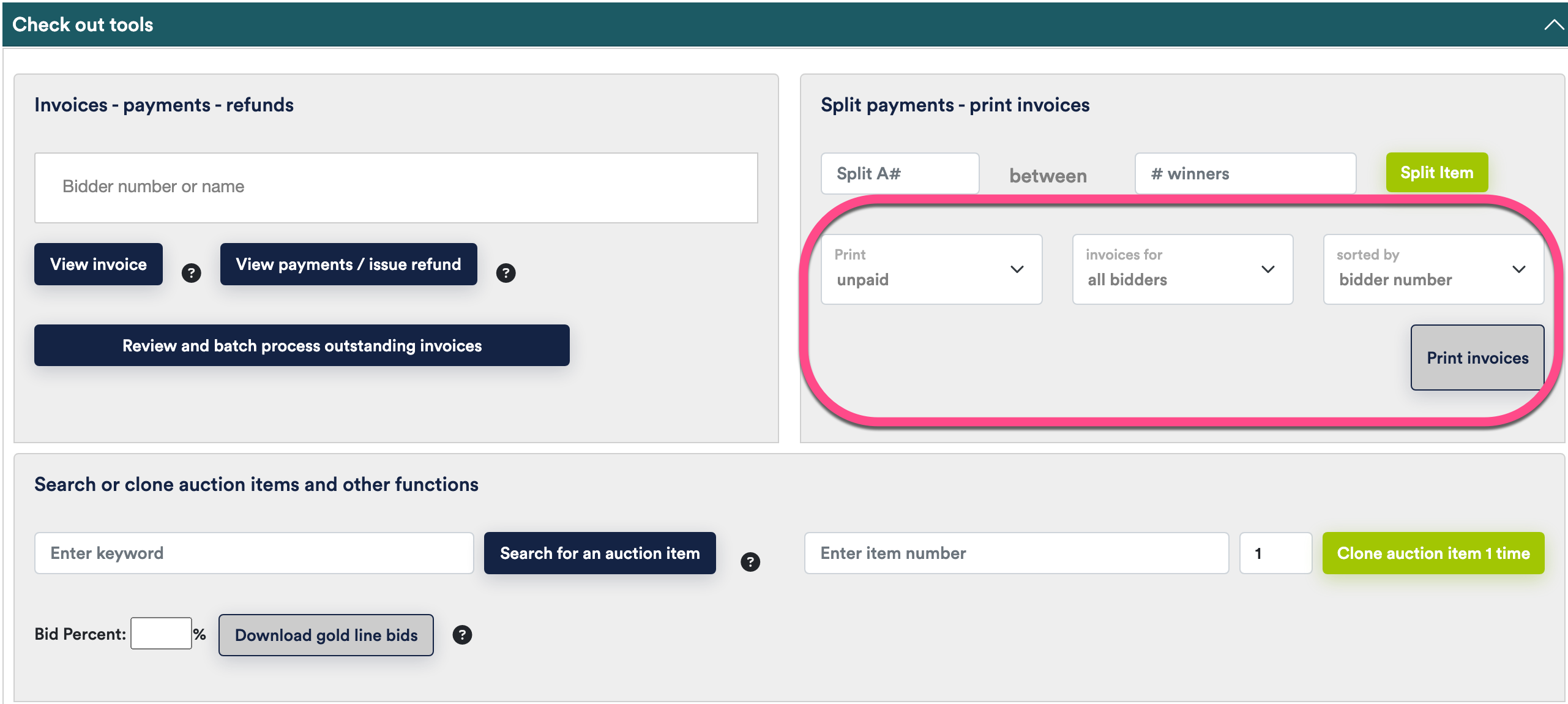
To print all outstanding invoices